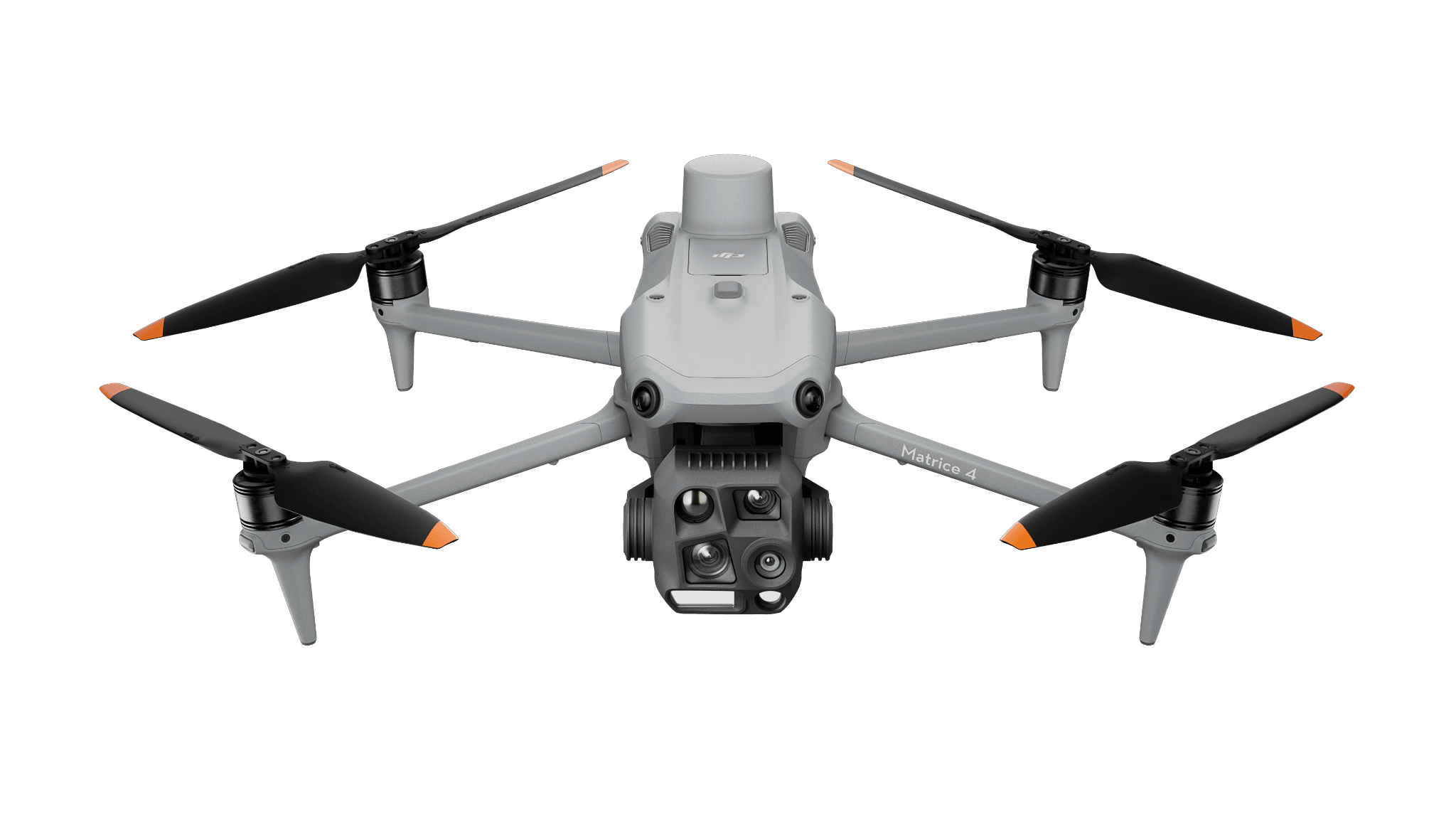
Portable thermal and visual
Matrice 4T
For a crew taking an integrated thermal kit between tasks. Test a complete observation and the receiving-team handoff.
Energy & Utilities
Connect array capture to a located and reviewable maintenance finding.
View hardware optionsWhat the team delivers
Let the receiving analyst define capture and asset-reference requirements.
Use the site layout, operating conditions and supported aircraft to define collection.
Test the upload and analysis workflow with representative files.
Ask the maintenance team to locate and accept a finding before scaling.
Choose the sensing and operating role first. Each configuration links to its product page, and every item you select is priced separately.
Portable thermal and visual
For a crew taking an integrated thermal kit between tasks. Test a complete observation and the receiving-team handoff.
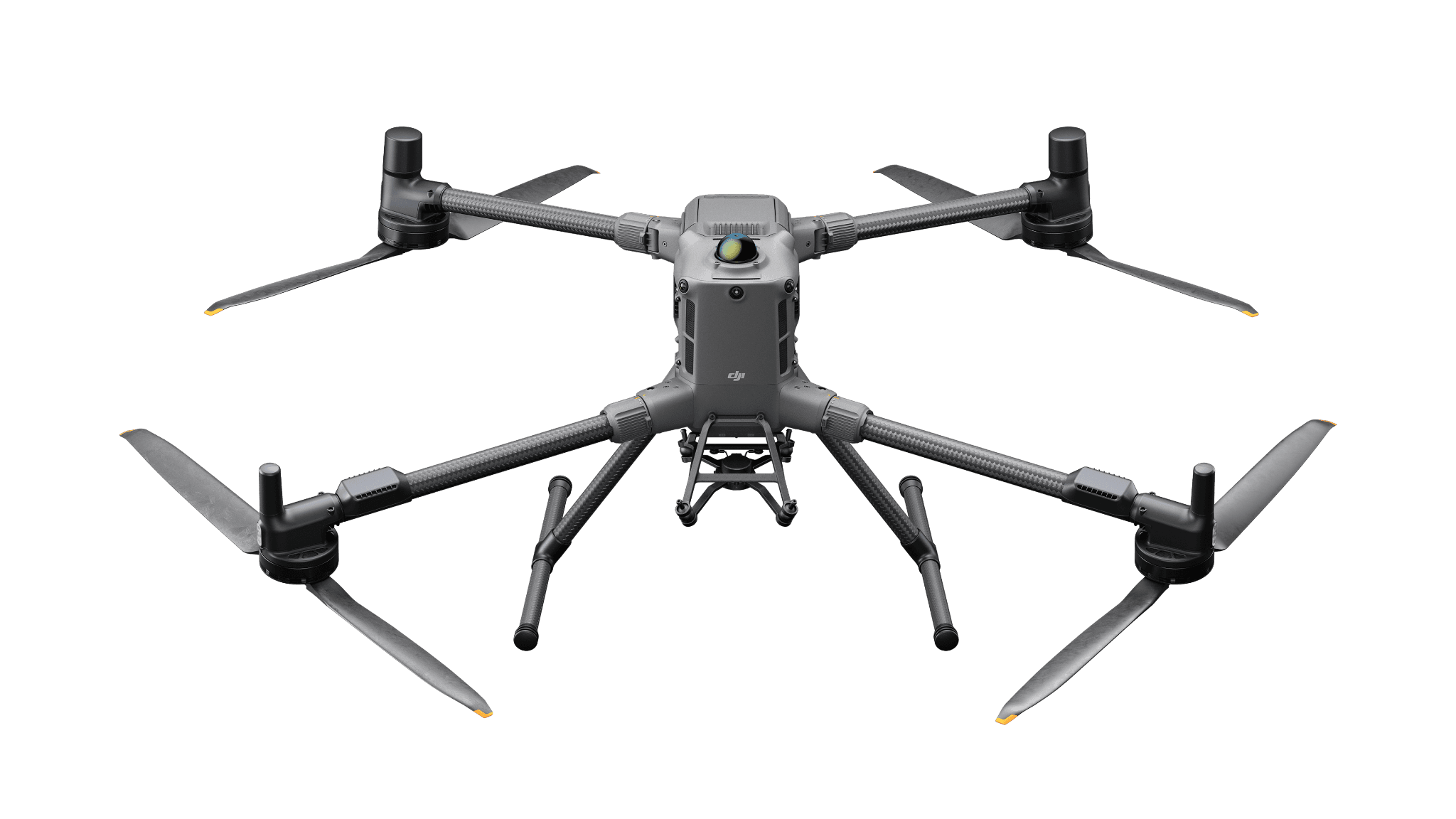
Modular thermal inspection
A Matrice 400 configuration with H30T for visual and thermal evidence. Review the separate payload, flight-power and charging selections.
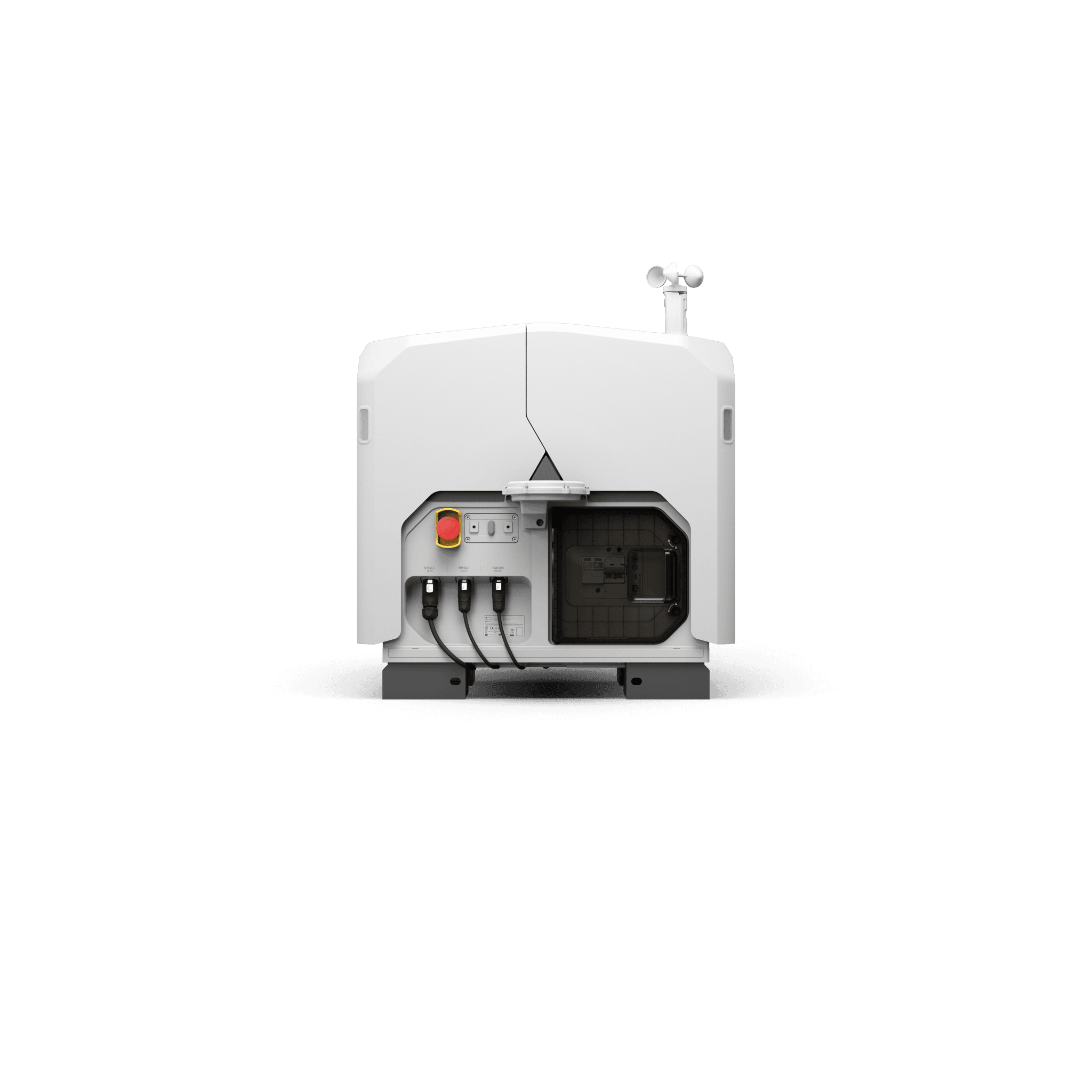
Maintained site
For recurring capture at an installed site. Plan power, network, service access and mission ownership; software is additional.
Software and deployment services are scoped separately. Hardware is ordered through a quote today; online checkout is coming soon.
Use the analyst’s requirements for the actual camera and site. Historic mission settings are examples, not a universal prescription.
Need help with the site or team setup? Installation & training
The 2023 pilot used an earlier DJI Dock and M30T Dock Version. Its useful lessons concern the site and data handoff.
Pair the thermal original with visual context, asset identity and the information a reviewer needs to interpret it.