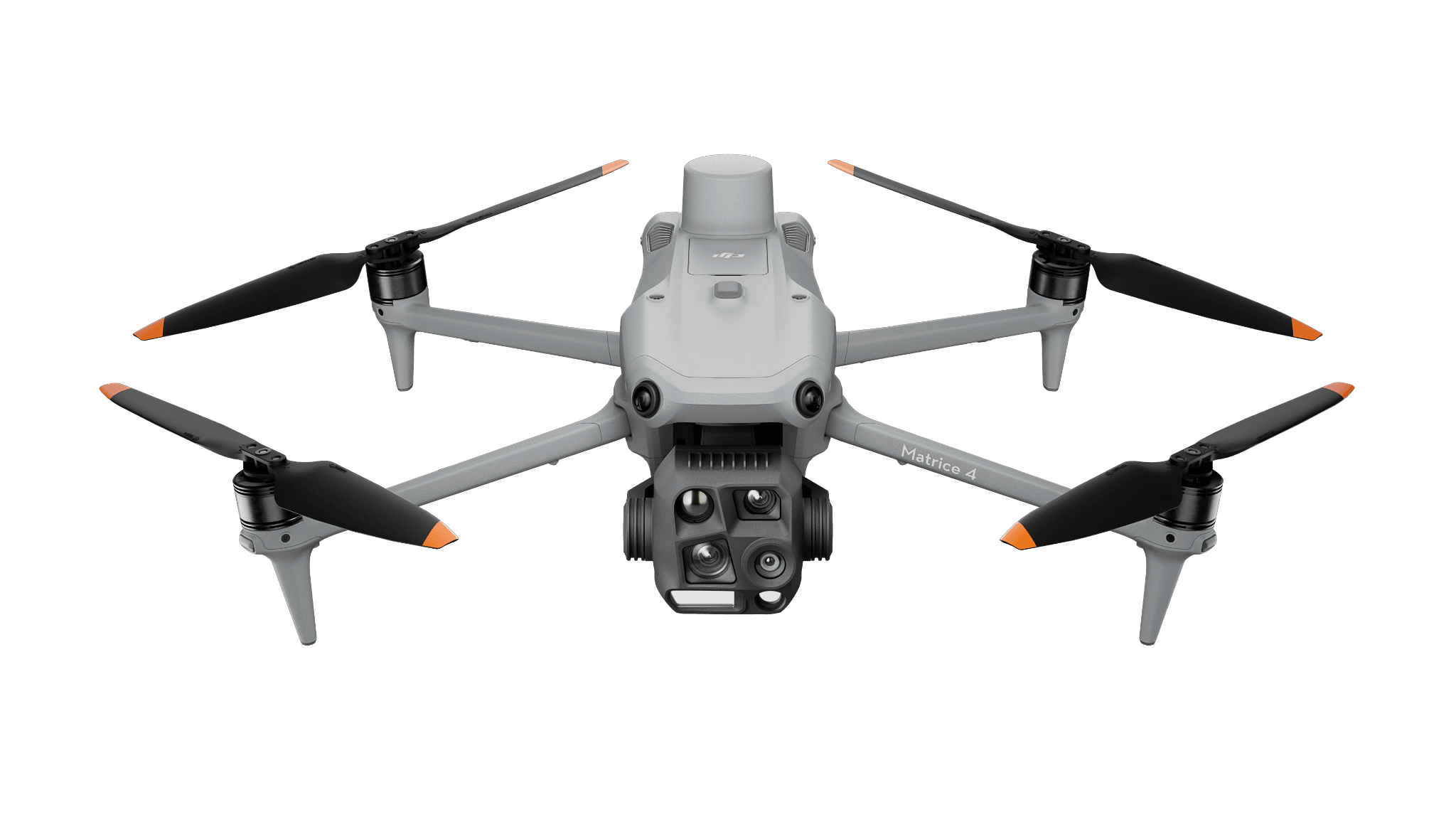
Portable thermal and visual
Matrice 4T — mobile/controller operation
For a crew taking an integrated thermal kit between tasks. Test a complete observation and the receiving-team handoff.
Security
Connect a site alert to useful verification and an accountable follow-up.
View hardware optionsWhat the team delivers
Specify how a task arrives and who owns the flight.
Evaluate installation, communication, access and alternate arrangements.
Provide contextual observations to the responsible security reviewer.
Close the task and retain records under the site’s data policy.
Choose the sensing and operating role first. Each configuration links to its product page, and every item you select is priced separately.
Portable thermal and visual
For a crew taking an integrated thermal kit between tasks. Test a complete observation and the receiving-team handoff.

Maintained site
For recurring capture at an installed site. Plan power, network, service access and mission ownership; software is additional.
Software and deployment services are scoped separately. Hardware is ordered through a quote today; online checkout is coming soon.
Treat the alert as a request for verification. Deliver contextual observations through the site’s review and response process.
Need help with the site or team setup? Installation & training
The August 2026 release concerns private deployment, streaming and APIs. Plan the migration around the installed environment.